
MicroPeak USB Interface
The MicroPeak USB Interface board provides a way to capture MicroPeak flight logs over a USB connection to a computer running Linux, Mac OS or Windows.
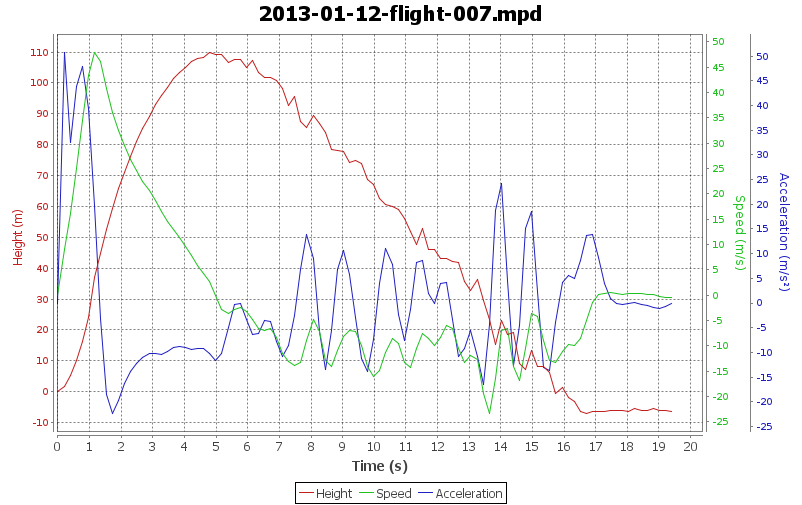
MicroPeak Data
- Stored in on-chip 512B eeprom
- Records raw barometer readings every 192ms
- Enough storage for 48 seconds
No changes are needed to the MicroPeak hardware, but new firmware that includes the data download feature is necessary to use the MicroPeak USB Interface.
MicroPeak Interface
MicroPeak transmits the entire flight log via the LED just after reporting the last flight altitude at power up. The data burst is transmitted in a simple serial format at 9600 baud.
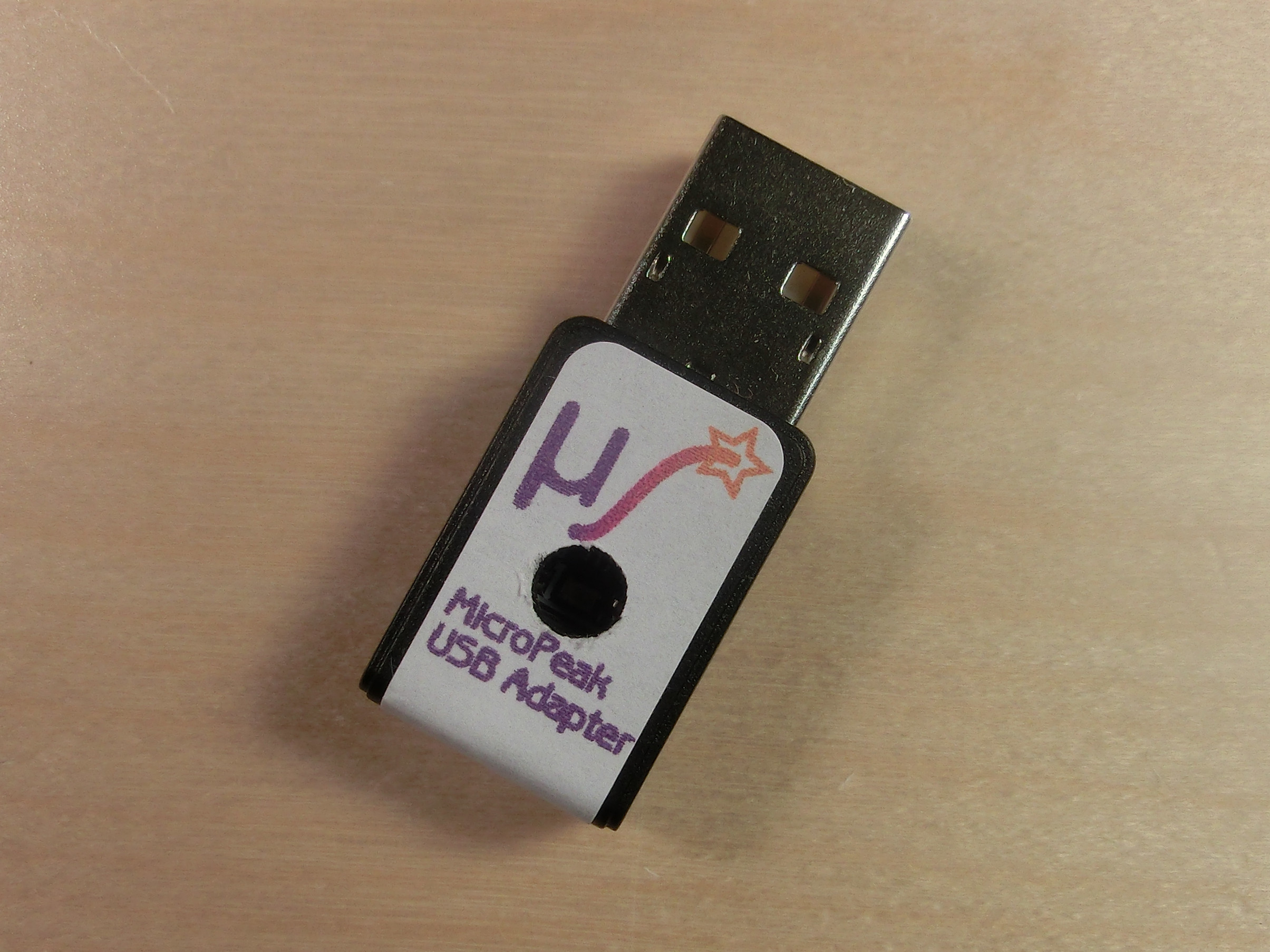
The MicroPeak USB Interface board contains a phototransistor, comparator and an ARM microprocessor. It also includes a blue LED which blinks in time with the MicroPeak orange LED. That orange LED is placed in the central hole of the MicroPeak USB where it shines directly on the phototransistor.
Here's a picture of the device in operation, with MicroPeak positioned to transmit data. The blue LED on the interface board is visible through the smaller hole in the enclosure.
MicroPeak Application
The MicroPeak application written in Java runs on Windows, Mac OS X and Linux. It captures and saves the flight data, then produces plots and statistics. More information is available on the main MicroPeak page.
Developer View
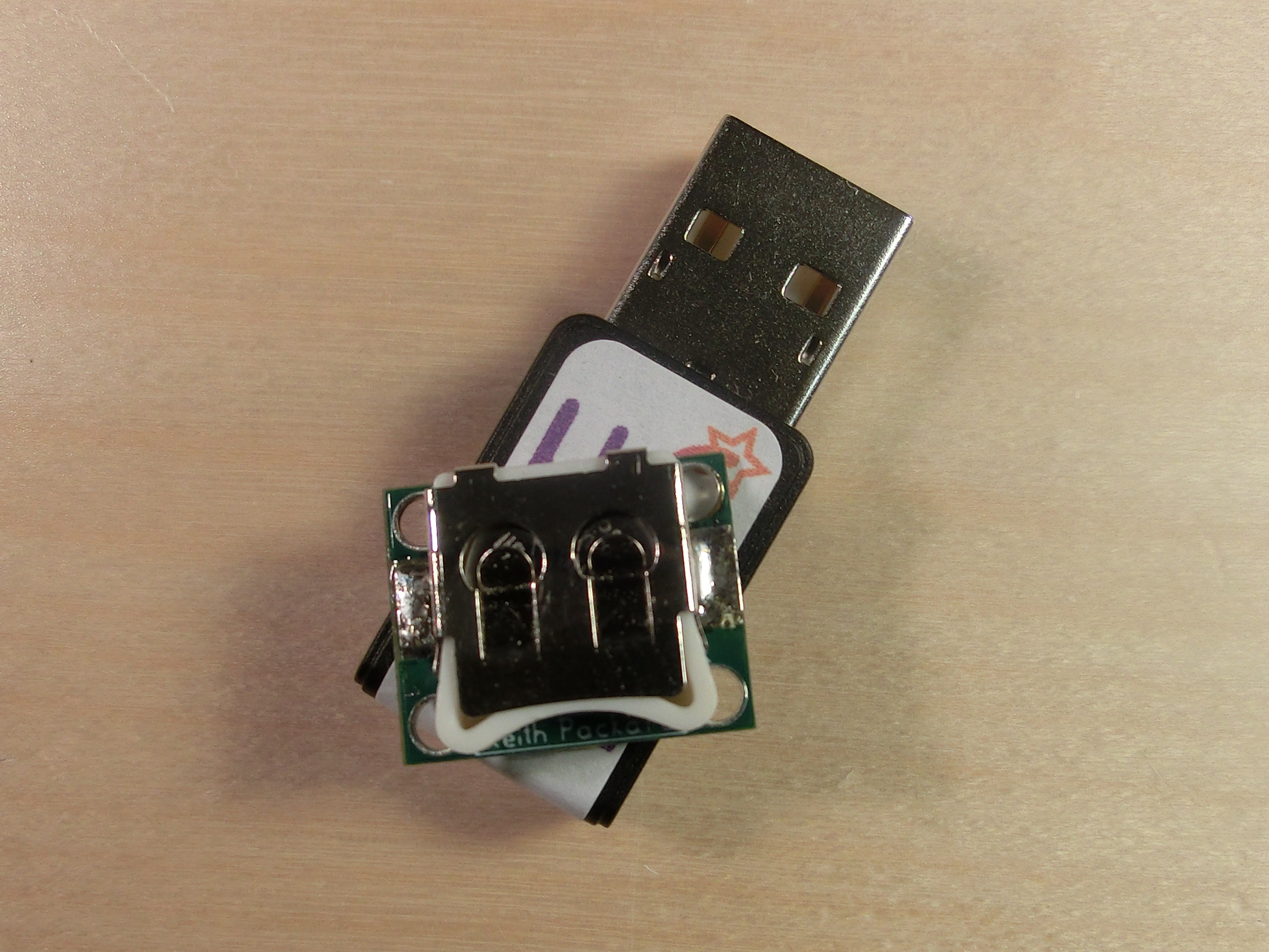
Here's a close-up view of the hardware
Hardware Features
- ROHM RPM-075PT Phototransistor
- Peak sensitivity matches MicroPeak LED color
- Microchip MCP6541 CMOS comparator
- Low power
- ST STM32F042G6U6 ARM microcontroller
- Serial to USB adapter running AltOS.
- ROHM RPM-075PT Phototransistor
Tools Used
- gEDA for schematic capture and PCB layout
Licenses
- The hardware is licensed under the TAPR Open Hardware License
History of the MicroPeak USB interface
Version 2.0. This version came in an enclosure connected to the PC via an attached cable rather than plugging in directly. It used the FTDI FT230R USB to Serial adapter which we could not obtain for the v3.0 product.
